Camera gate
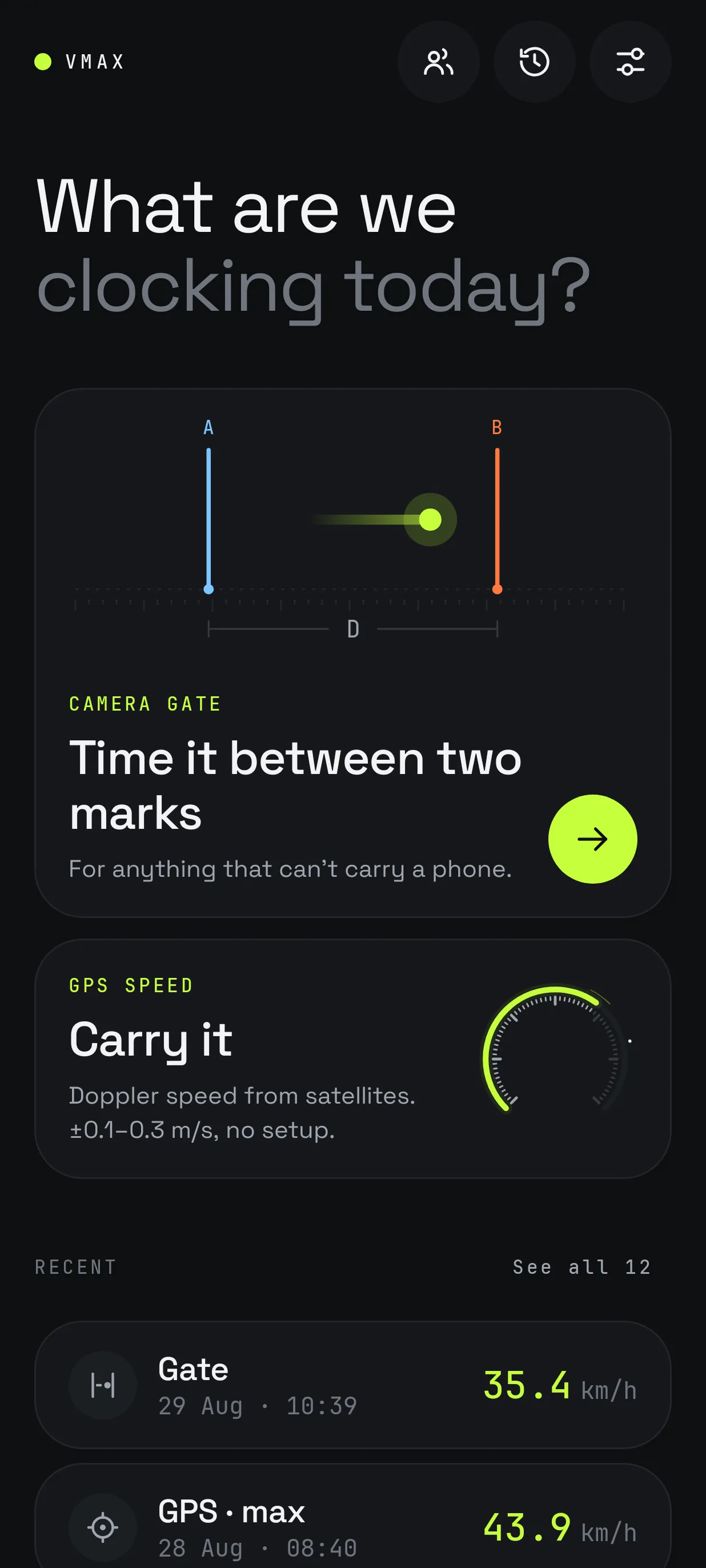
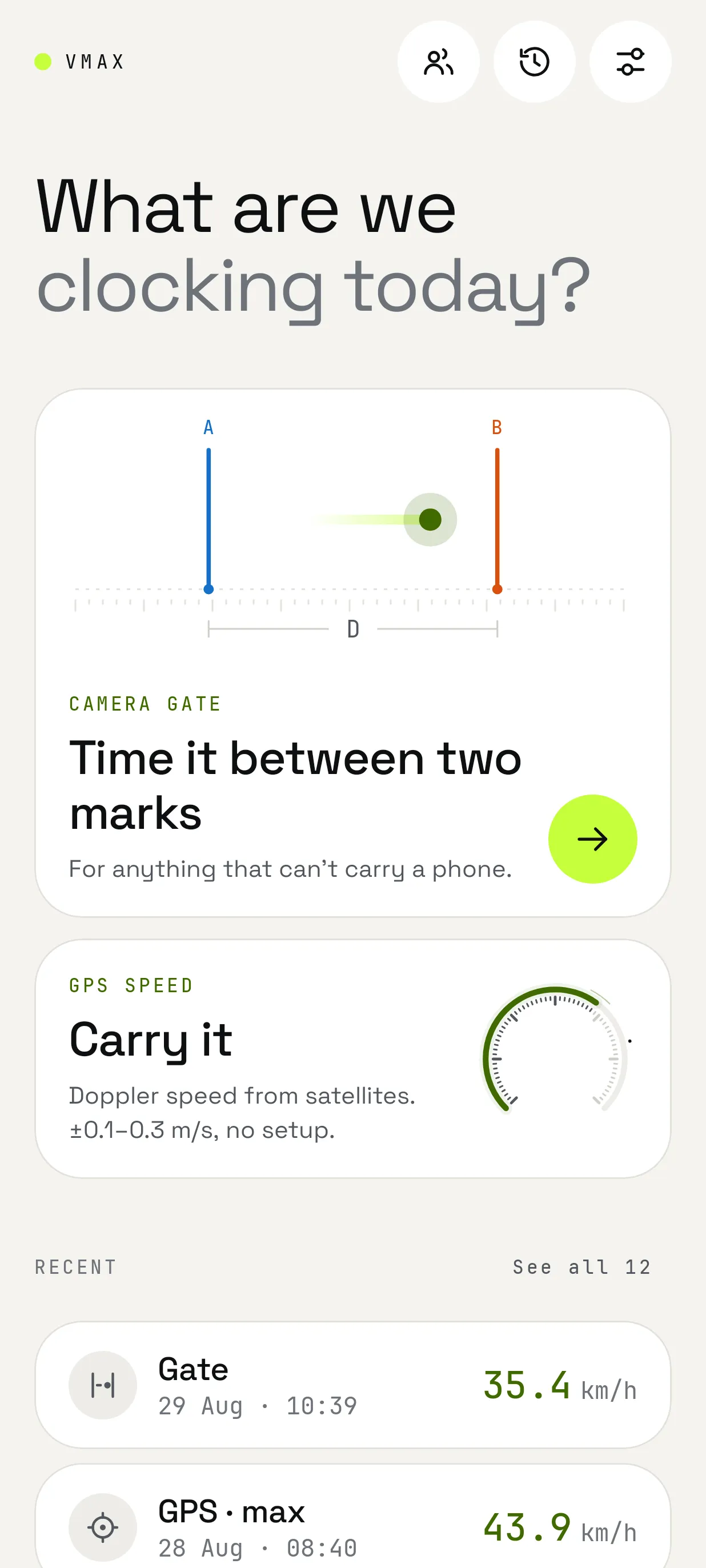
Time it between two marks
Record at 240 fps, set lines A and B, enter the distance. For anything that can't carry a phone.
VMax
Speed · camera gate & GPS
Film a pass between two marks at 240 fps and VMax finds the frame where it crosses each line. Or carry the phone and read Doppler speed straight from the satellites.
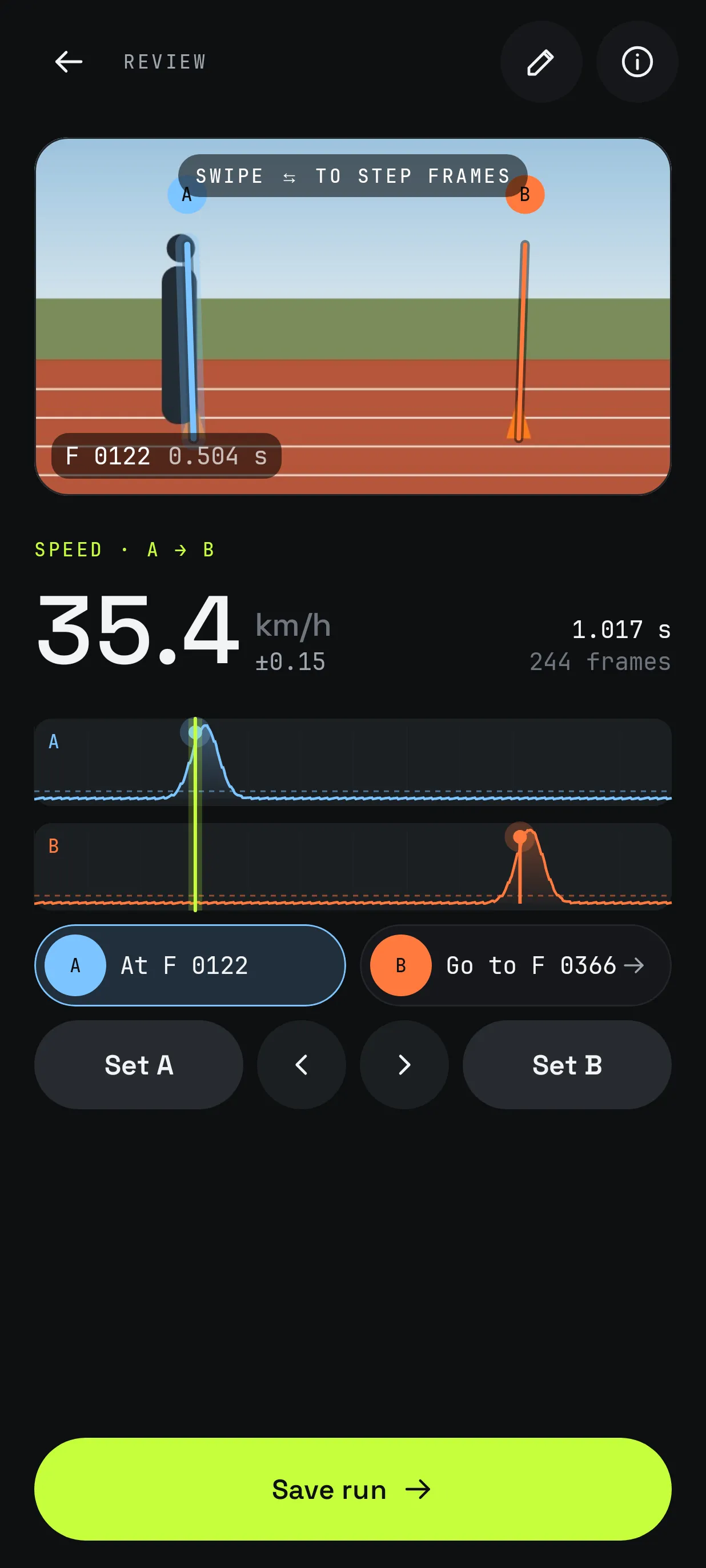
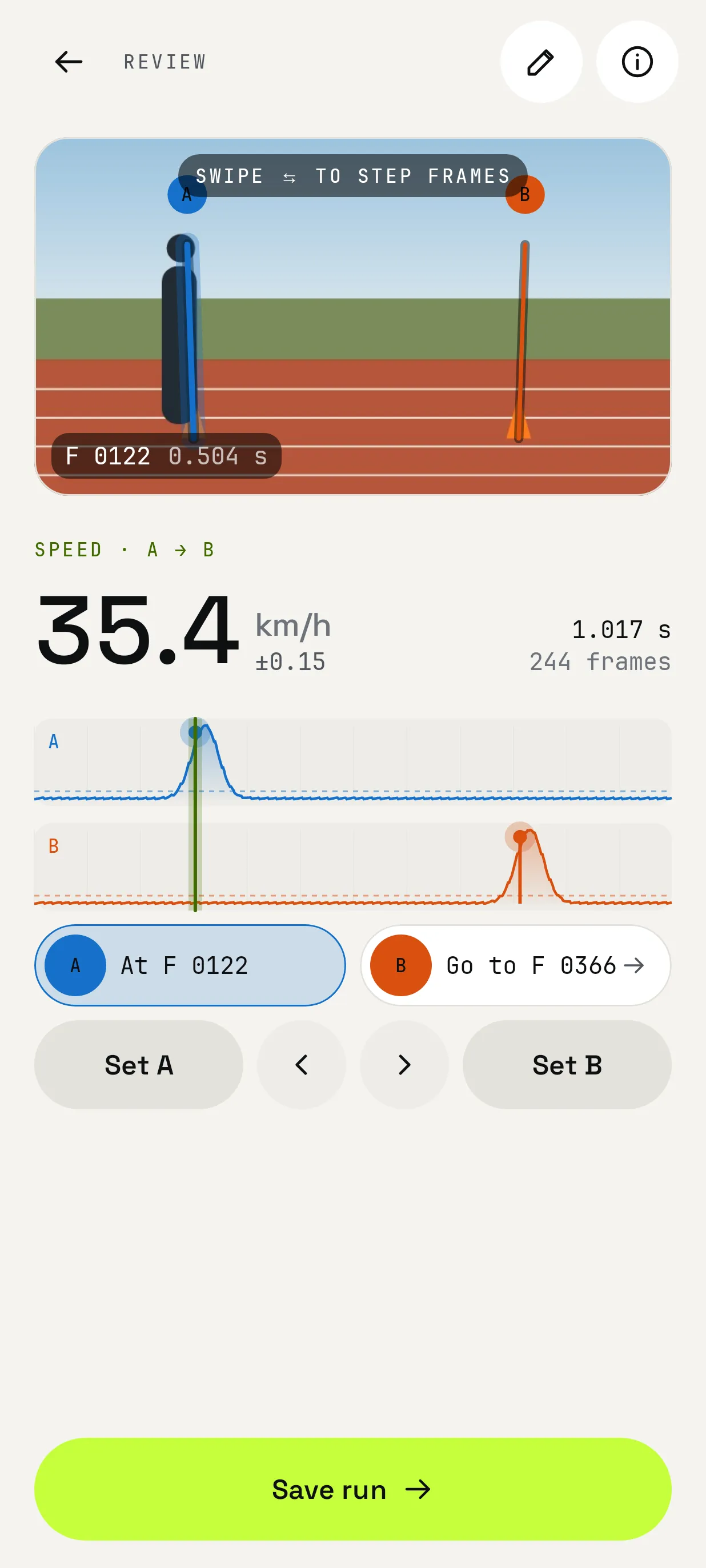
Speed · A → B
35.4km/h
Features
Camera gate
Record at 240 fps, set lines A and B, enter the distance. For anything that can't carry a phone.
Review
Step through the clip frame by frame and nudge each crossing. The result shows its own ± error.
Live gate
Leave the phone on a tripod and it reads every pass live from the camera preview.
GPS speed
Doppler speed from satellites. ±0.1–0.3 m/s, no setup.
Runners
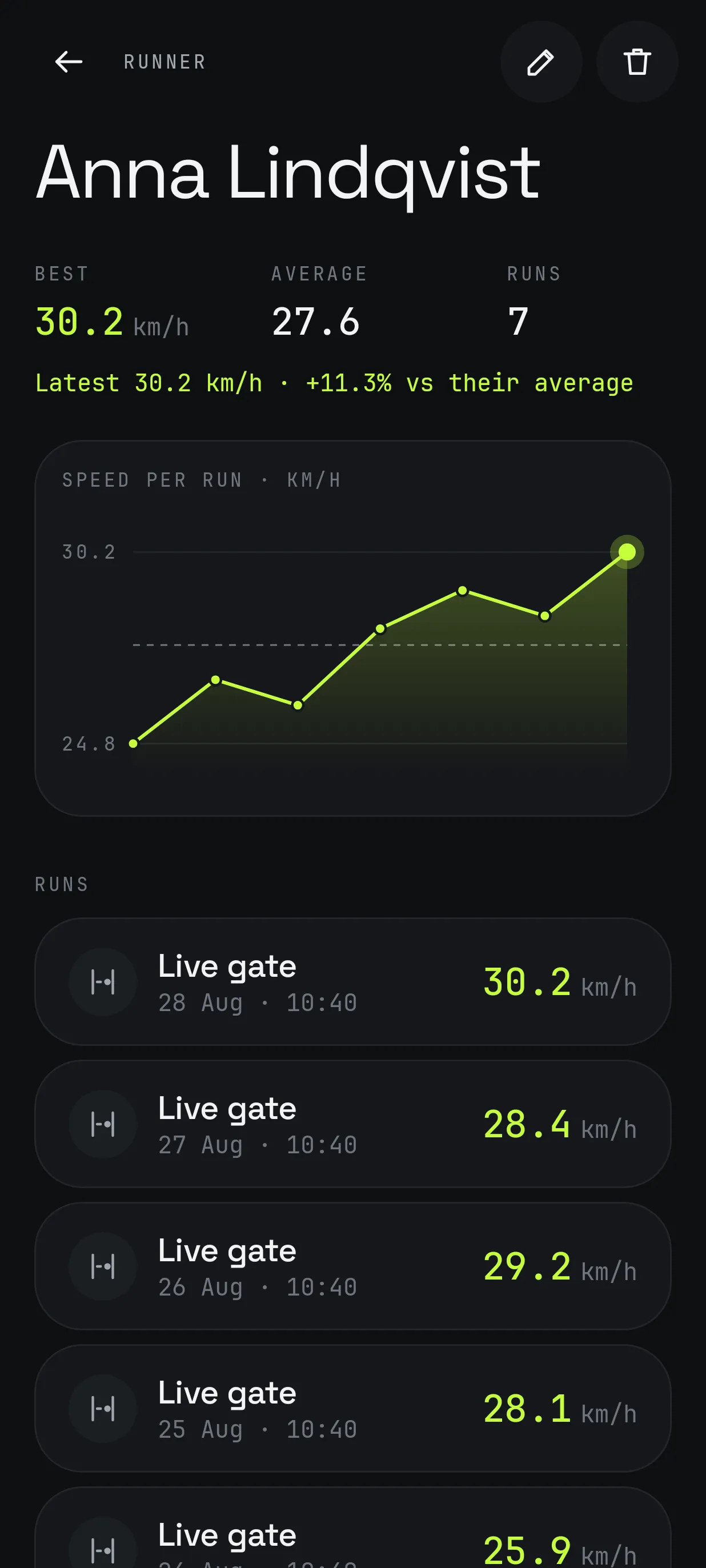
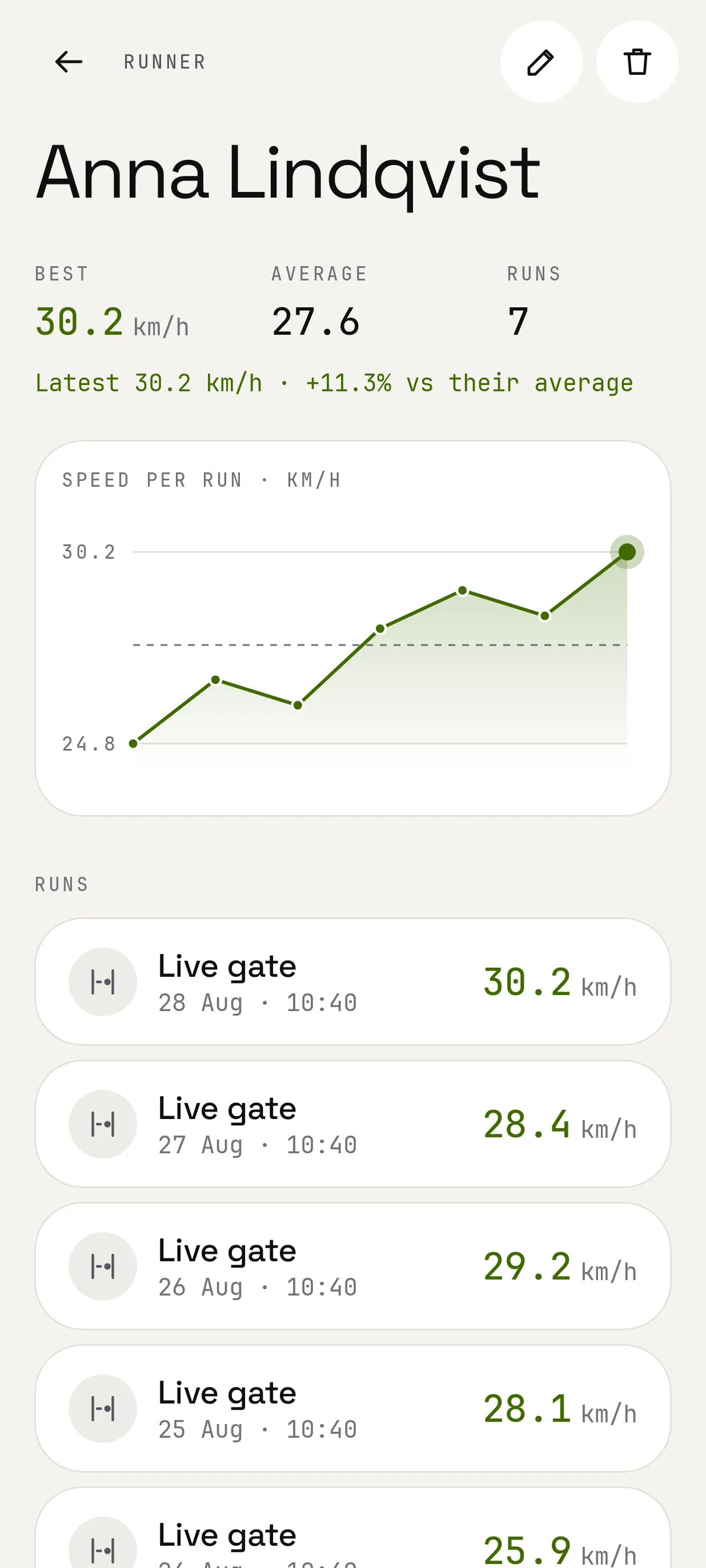
Tag runs to people and follow each person's best and average speeds over time.
Hands-free
Hear every speed read aloud. Start recording with the volume keys.
Screens
How it works
Place A and B a known distance apart. Cones, chalk, anything visible.
Hold the phone steady, sideways to the track, and record at 240 fps.
VMax detects both crossings. Check them frame by frame, then save.
Availability
Nothing to sign up for. Your recordings and history stay on your phone. Read the privacy policy.